

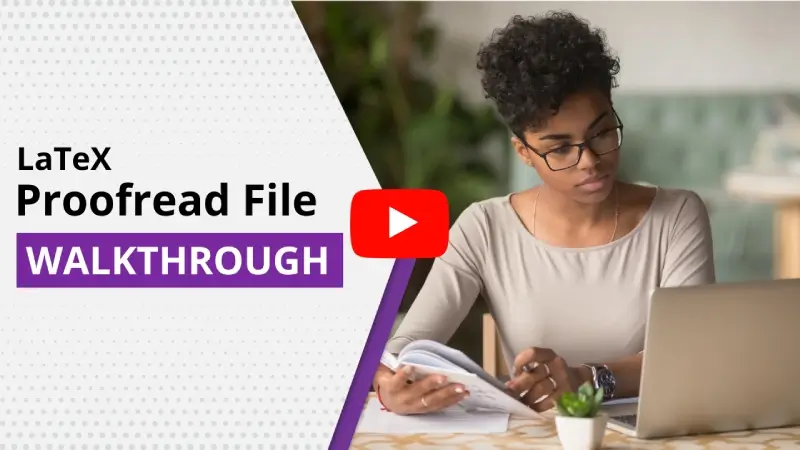
See How It Works
Check out the easy walk-through video to get started on Trinka LaTeX Proofreader.
It is a detailed step-by-step tutorial to help you use Trinka to its fullest.
Have more questions? Browse through our FAQs here.
Key Features of LaTeX Proofreader
Features that make Trinka grammar and spelling checker for LaTeX files stand out.

Review
Changes
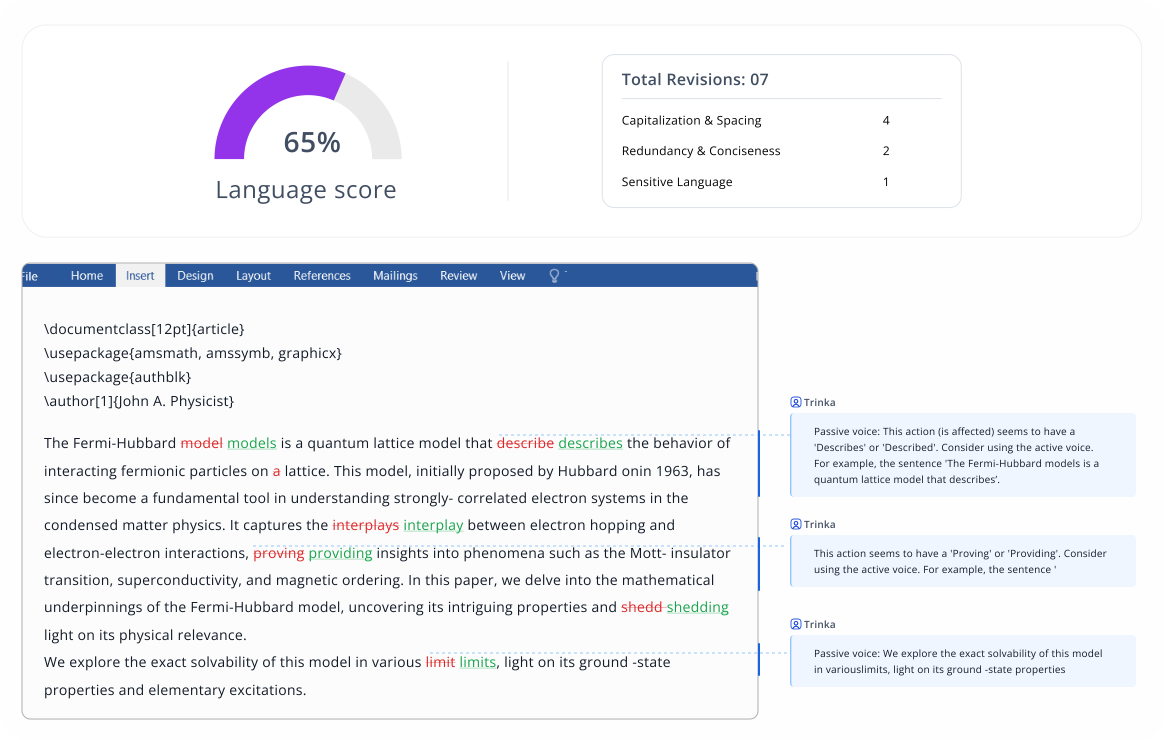
Along with the proofread LaTeX file, get an MS Word file with tracked changes that you can review and finalize.
Retain Original Formatting
Your content will be updated with all changes made as track changes, ensuring the original formatting is always retained.

Language
Score
Get an indicative score of the overall language quality of the document based on the number of revisions in different grammar categories.

Table of Revisions
View a detailed table of revisions by language category for a quick understanding of the type of edits made.

Style Guide Preferences
Tailor the grammar & word choice of your manuscript to comply with popular academic style guides (APA, AMA, AGU, ACS, IEEE).

Personalization Options
Customize Trinka to provide you the most relevant suggestions based on your subject area.
Editing Modes That Fit Your Needs
Power Mode Premium Feature
Fix complex grammar and spelling errors. Improve your style and tone.
In recent years, air pollutionspollutionarehas becomemore and moreincreasingly serious withbecause ofthe development ofadvances in technology and industry.
Lite Mode
Fix basic grammar and language errors.
In recent years, air pollutionspollutionarehas become more and more serious with the development of technology and industry.
Import Files from Your Favorite Cloud Storage and Get them Edited in Minutes!
Trinka My Drive
My Device
DropBox
Google Drive
Secure AI Writing for Sensitive Work
Trinka's Confidential Data Plan is Built for professionals and teams handling sensitive, regulated, or proprietary information.
No Data
Storage
Content is processed securely and deleted instantly after use, no storage, no retention.
Zero AI
Training
No AI training. Ever. Your content is never used to train models or improve systems.
Fully Secured & Compliant
Compliant with HIPAA, GDPR, SOC 2 Type II, and ISO 27001 security standards
View Sample
LaTeX Grammar Check Uses Credits

Uses 1 credit for every 5000 words in a file. Use free credits and buy more as needed.

Users get free credits every month based on the subscription plan. To know more, click here.
Additionally, you get up to 64% discount on credit pack purchases.
Learn more about Trinka Credits.
Frequently Asked Questions
You upload your LaTeX file, the uploaded documents will be processed and AI-suggested corrections will be applied to them. In addition to your original LaTeX file with the changes made, you will also get an MS Word file with all the made changes shown using “Track changes” feature of MS Word.
Moreover, you also get detailed information about the number of revisions, type of grammatical errors made, and an overall writing quality score.
Yes. Once you Sign up for a Basic account with Trinka, you will receive 4 free credits. You can utilize these credits to run a free grammar check on your LaTeX file.
Proofread File uses 1 credit for every 5000 words in your file.
No. Trinka is not directly integrated with Overleaf but you can upload your final file from Overleaf and get it Proofread with Trinka in minutes.
Trinka Proofread is an automatic proofreader, while Language Tool for LaTeX requires manual selection of suggestions. Trinka is particularly tailored for LaTeX grammar checks and is ideally suited for academics and technical writers.


